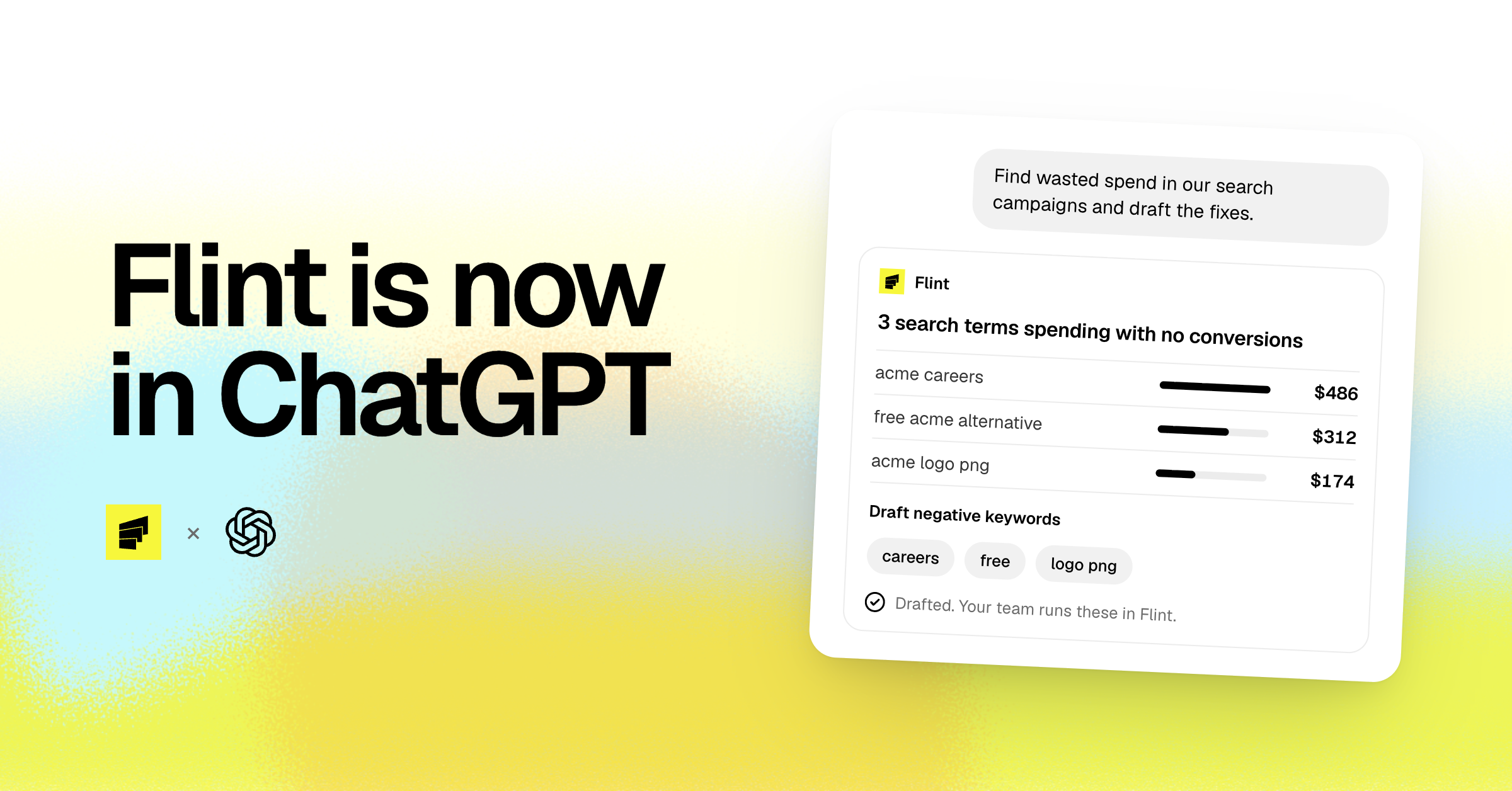
Flint is now listed in ChatGPT's plugin directory. Install it once, and you can ask ChatGPT to have Flint find wasted spend in your Google Ads account, draft the fixes, and build landing pages for the ad groups driving your clicks.
Last week we launched Flint MCP v2, which lets Claude, ChatGPT and Claude Code hold a two-way chat with Flint. Until now, connecting Flint to ChatGPT meant turning on developer mode and pasting in a server URL. The plugin replaces that with an Install button.
What you can ask Flint to do
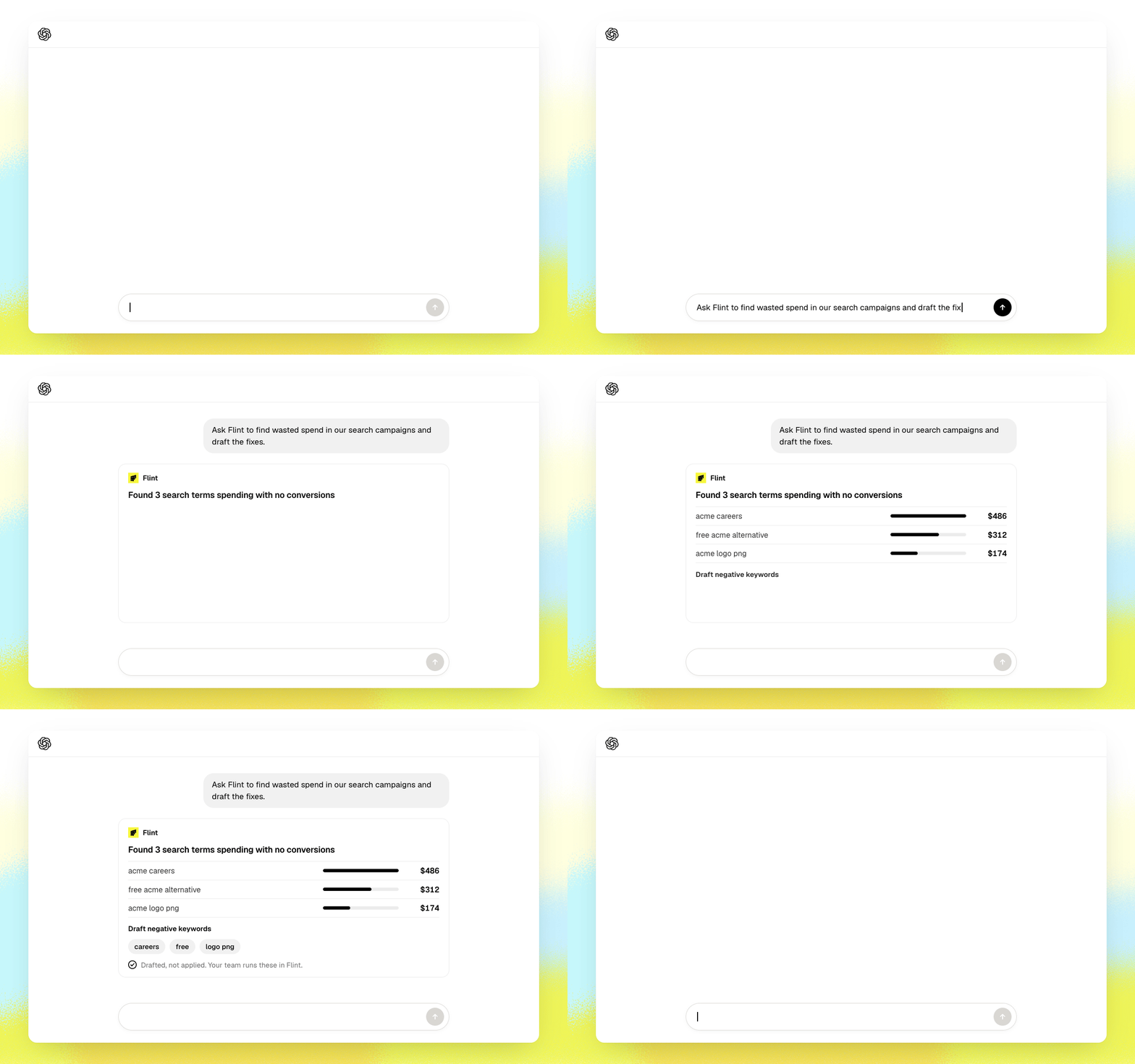
- Find spend in your search campaigns that isn't producing results, and draft the fixes
- Draft negative keywords to add to your campaigns
- Draft new ad copy, such as headlines for your brand search ads
- Build a landing page matched to the ad group or keyword driving the click
- Update copy or redesign sections on pages you've already built with Flint
Your team approves every ad change
Flint drafts Google Ads changes. It doesn't apply them. A person on your team reviews each change and runs it from the chat in Flint. Page edits land on your site's staging branch, and nothing goes live until you ask Flint to publish the site.
Flint can also ask follow-up questions, and ChatGPT answers them in the same conversation. Every chat you start in ChatGPT shows up in Flint, so a teammate can pick it up in the editor.
How to start
- Open Flint in the ChatGPT plugin directory and click Install plugin.
- Sign in to Flint to connect your account. The plugin works with Flint's Starter plan and above.
- For ad work, connect Google Ads to your site in Flint's Google Ads settings.
- Start a new chat and tell ChatGPT what you want Flint to do.
Try prompts like
- "Ask Flint to find wasted spend in our search campaigns and draft the fixes."
- "Ask Flint to draft new headlines for our brand search ads."
- "Ask Flint to build a landing page for our highest-spend ad group."
New to Flint? Book a demo. Setup details are in the ChatGPT docs.