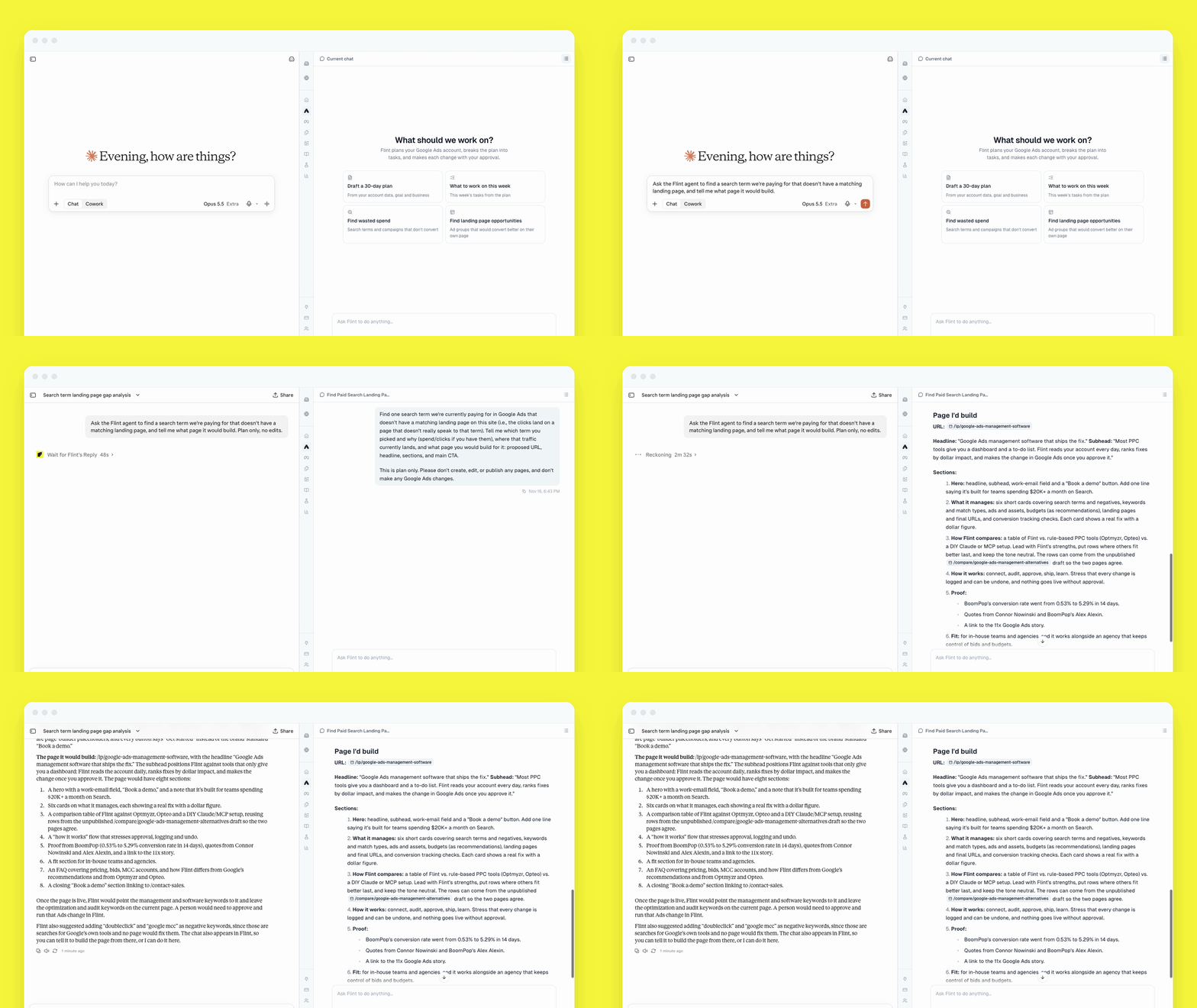
Flint's MCP now works as a chat. From Claude, ChatGPT or Claude Code, you can start a conversation with Flint on your site, answer its questions, and pick it up later in the Flint editor.
When we launched the MCP in March, Claude could hand Flint a task and check back for the result. Now Claude and Flint go back and forth in a chat, the same way Flint works in Slack. We used it to update the docs for this release: Claude asked Flint to edit our MCP docs page, and Flint made the changes.
How the chats work
- Chats: Claude starts a chat on one of your sites, sends follow-ups, and waits for Flint's reply.
- Questions: If Flint needs more detail, it asks. Claude passes the question to you and sends your answer back in the same chat.
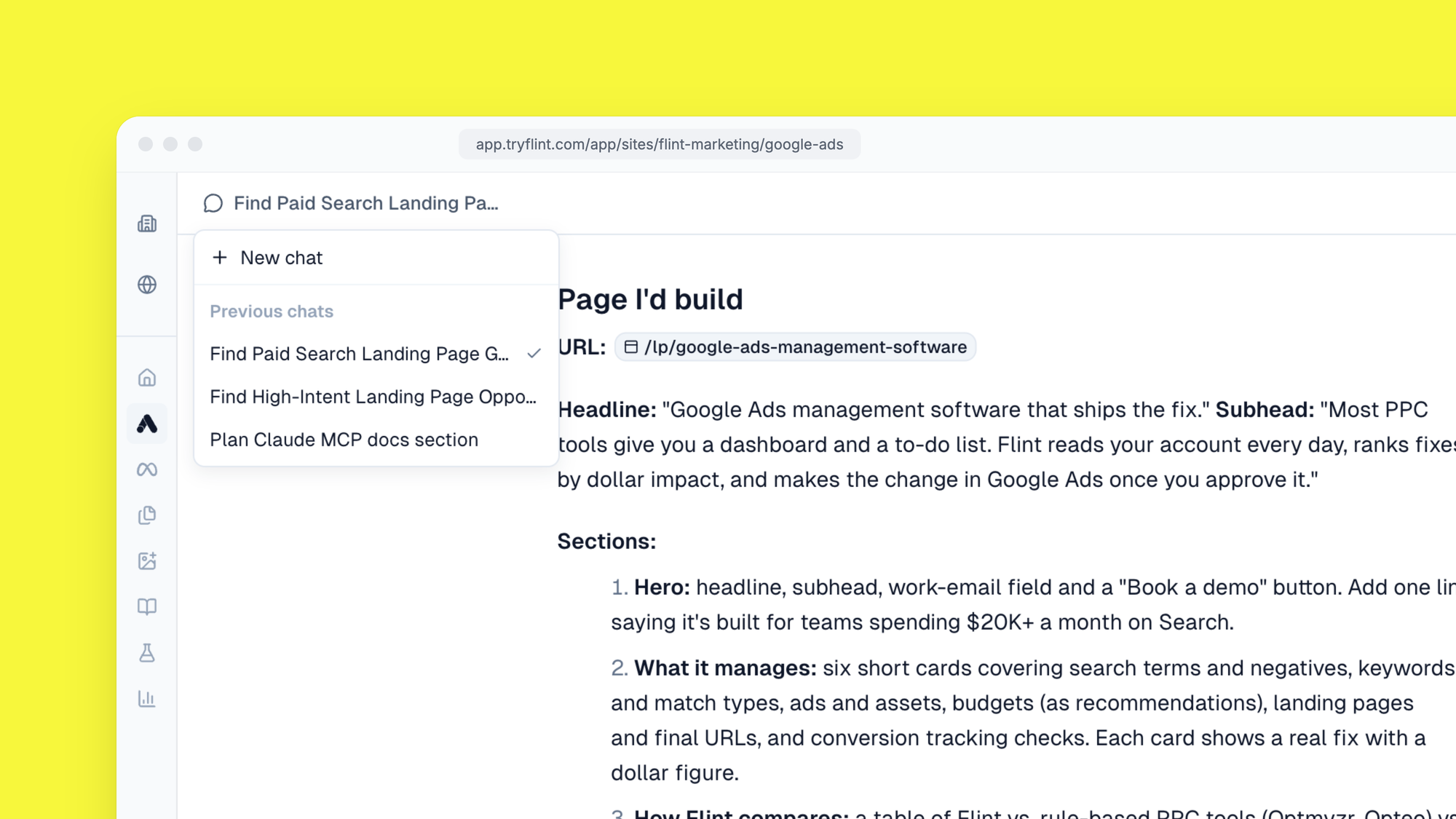
- The Flint editor: Chats started from Claude show up in your site's chat list in Flint, so you or a teammate can open one and keep going there.
- Parallel work: Give each piece of work its own chat. Chats run side by side, even on the same site.
Google Ads changes stay with your team
Flint won't run Google Ads changes over MCP. It drafts them, and a person on your team runs them from the chat in Flint.
How to start
- In Claude, open Connectors and add a custom connector.
- Enter https://mcp.tryflint.com/mcp as the server URL.
- Sign in to Flint to authorize the connection.
- Start a new conversation and tell Claude what you want Flint to do.
Setup guides for each app are in our docs: Claude, ChatGPT and Claude Code.
Try prompts like:
- "Use Flint to build a landing page for our spring sale."
- "Ask Flint to draft new headlines for our brand search ads."
If you use Flint's original MCP tools, they still work, but they're deprecated. Switch to the chat tools when you can.
New to Flint? Book a demo.