
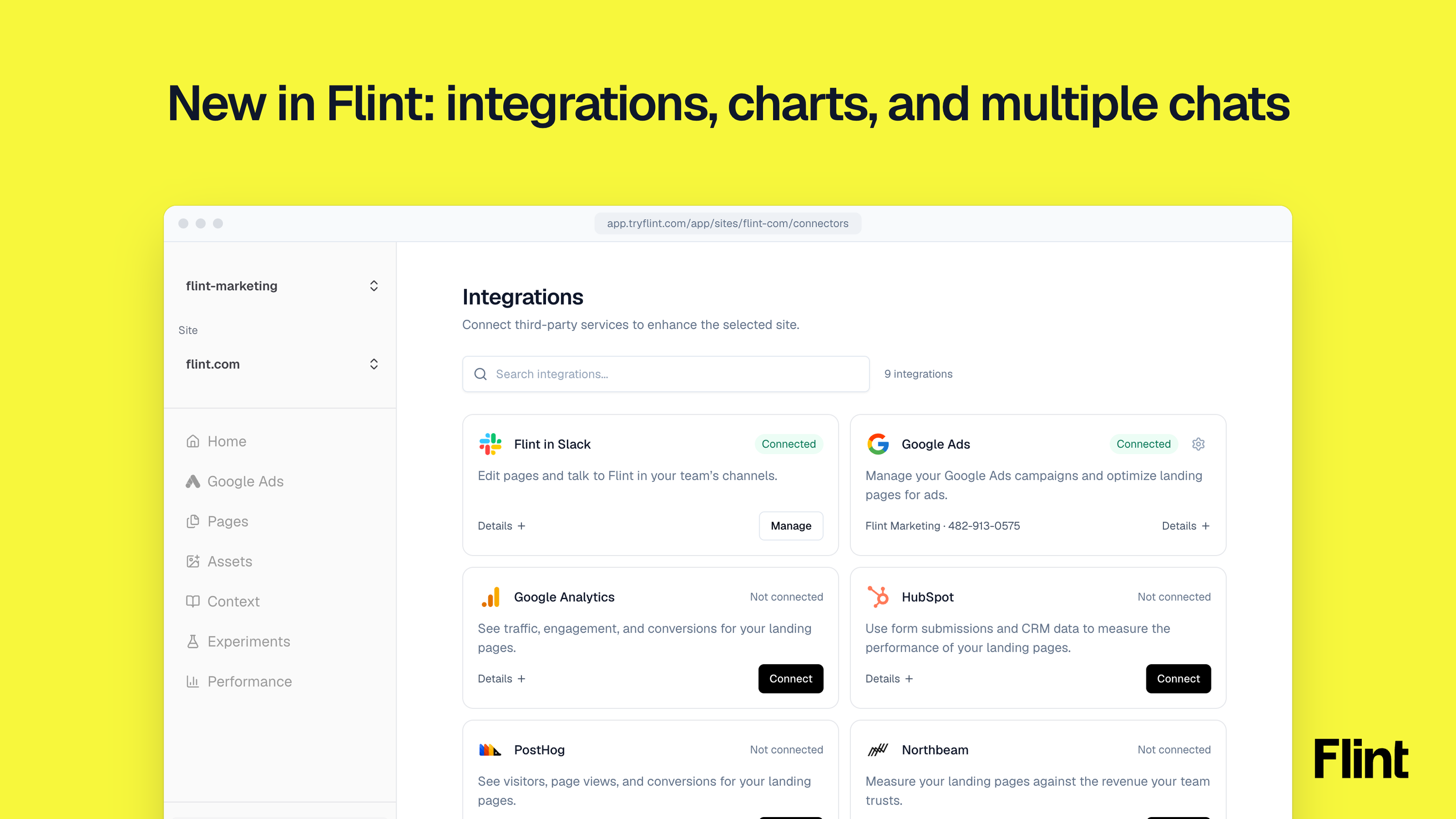
Flint now connects to HubSpot, Google Analytics, Northbeam, Triple Whale, Shopify and PostHog. It can answer your questions with charts, and you can run more than one chat at a time.
Integrations
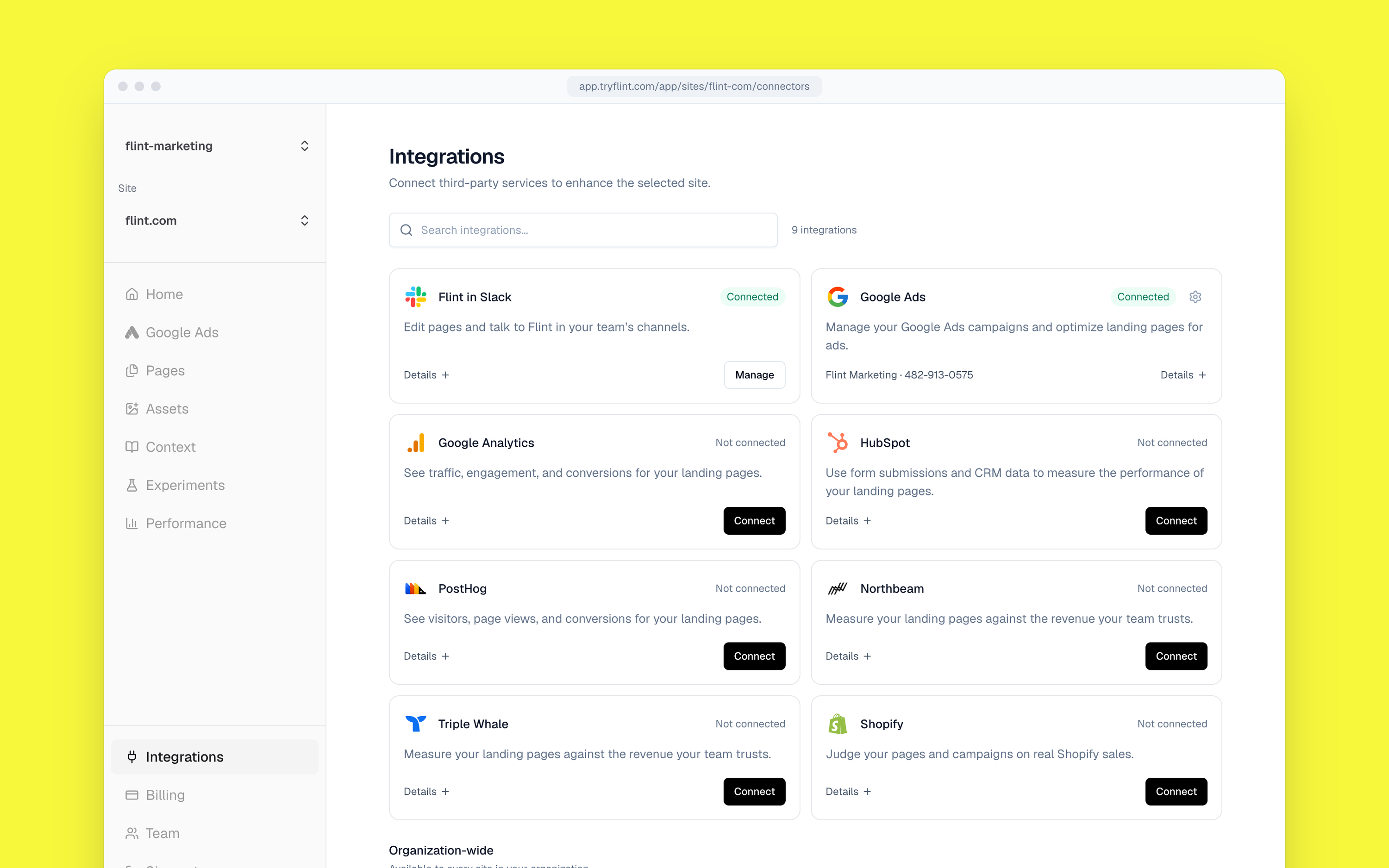
Your performance marketing agent needs to hillclimb against your north star metric. For a lot of teams, that number lives in HubSpot, Shopify or Northbeam, not in Google Ads.
So we connected Flint to them. Open Integrations, click Connect, and Flint can read:
- HubSpot: Form submissions, lifecycle stages, leads, deals and campaigns. Flint can judge a page by how many of its leads turn qualified.
- Northbeam: Spend, attributed revenue, ROAS, CAC and transactions by campaign, ad group or ad, under your attribution model and window.
- Triple Whale: The conversion numbers your team trusts for Google Ads.
- Shopify: Orders, revenue and your product catalog, including prices and stock.
- Google Analytics and PostHog: Traffic, engagement and conversions on your pages.
We tested it on our own site first. After we connected Google Analytics, Flint came back with users, sessions, page views and key events for the last four weeks against the four before.
Read-only. Flint reads what you connect. It doesn't change anything in HubSpot, Shopify or any other tool.
Charts
Every performance marketer builds the same charts every Monday. Export from Google Ads, open Sheets, pivot, chart, screenshot, paste into Slack. By Wednesday the chart is stale.
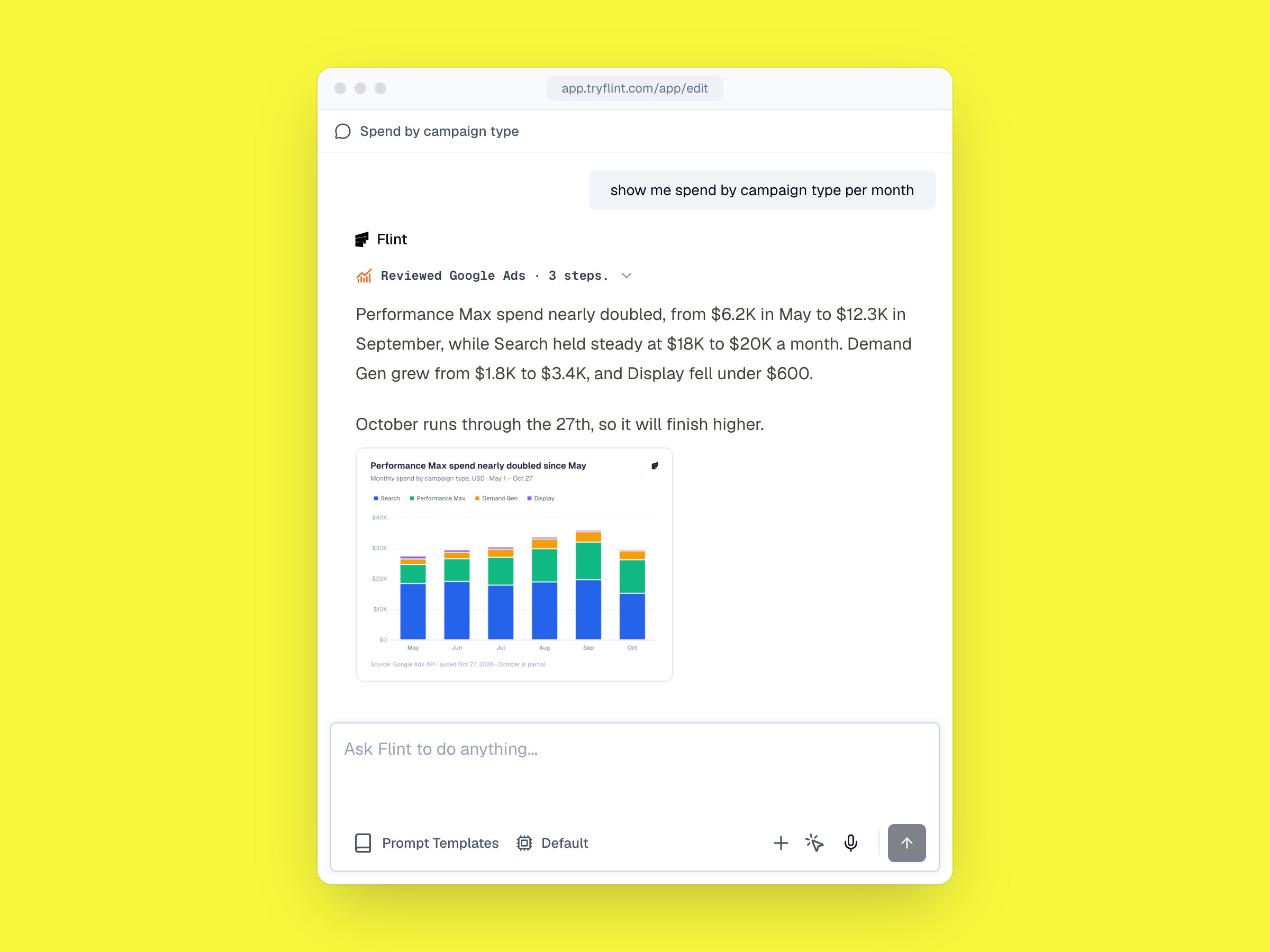
Now Flint draws them for you. Ask about your Google Ads and it answers with a chart: spend by month, ROAS by campaign type, brand vs non-brand, cost per click by ad group. Works in the app and in Slack.
It can chart anything it can read, so the integrations above count too. ROAS from Northbeam. Qualified leads from HubSpot. Signups from Google Analytics.
If the first chart isn't the one you want, ask for another view. Jason asked Flint for 10 different ways to visualize the same numbers.
Multiple Chats
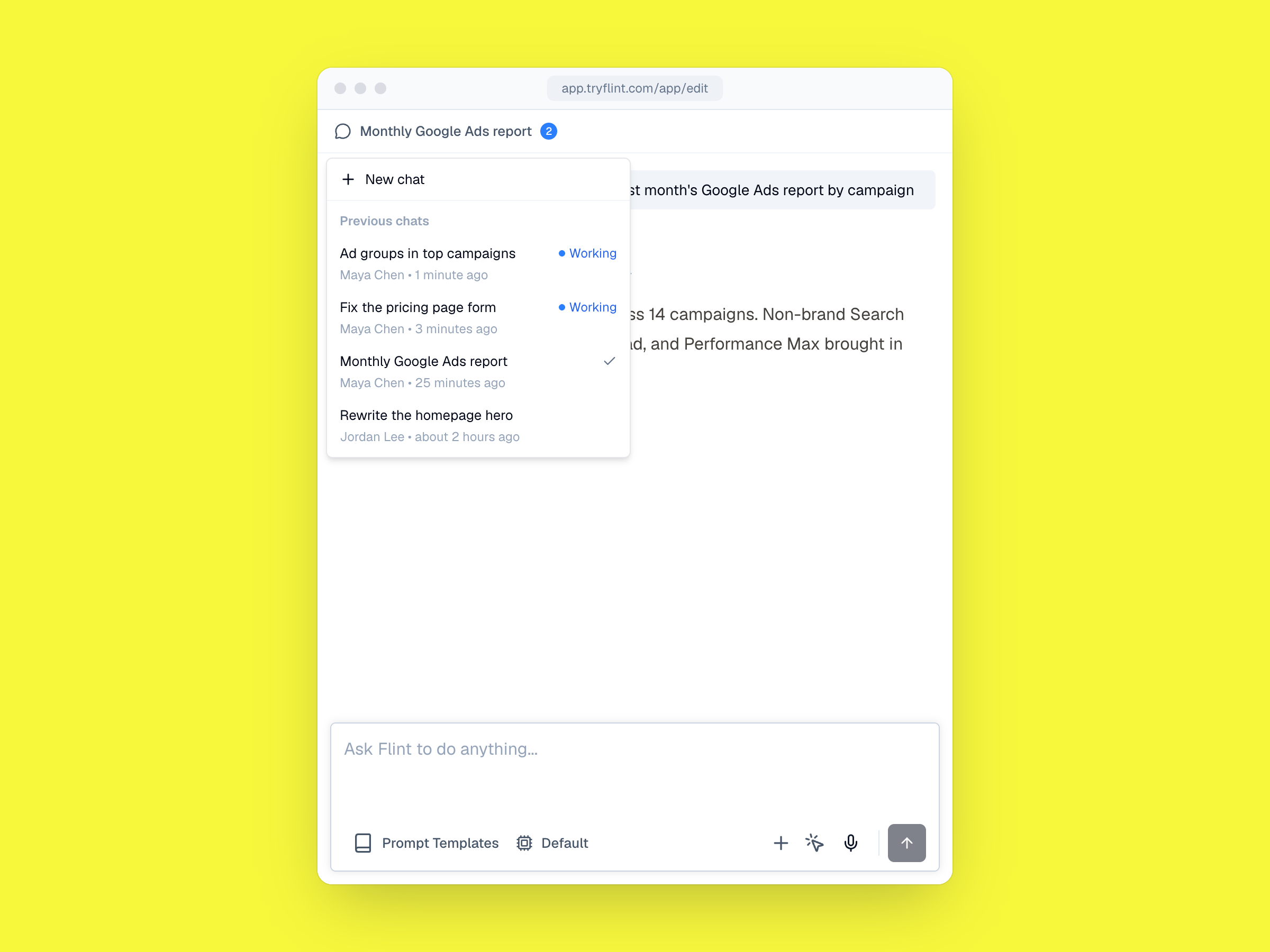
You can now run more than one Flint chat at a time. Pull a Google Ads report in one chat while Flint fixes a landing page bug in another. Click the chat icon and choose New chat, or start another thread with @Flint in Slack.
How to start
If you're on Flint, open Integrations and click Connect on the tools your team reports from.
A few prompts to start with:
- @Flint which landing pages brought the most HubSpot-qualified leads last month?
- @Flint what was our Northbeam ROAS on non-brand Search last week?
- @Flint show me spend by campaign type per month
- @Flint give me 10 different ways to visualize this
If you'd like to see Flint firsthand, book a demo.
