
Claude for Google Ads
Why not just connect Claude to Google Ads yourself?
It's a fair question. Claude is powerful. MCP is real. But a general AI has no account expertise and no execution layer. Flint is purpose-built for paid search.
Setting up Claude directly in Google Ads is a bigger hassle than it sounds.
You have to apply for Google Ads API access, generate credentials, build a harness that translates Claude's output into safe API calls, and maintain it when either side changes. Even then, you run the risk of triggering automated account flags because the harness isn't account-specific and there's no oversight layer. Flint has a direct relationship with Google and handles all of this safely, so your account is protected and nothing changes without your approval.
How it works
You approve. Flint executes.
Connect
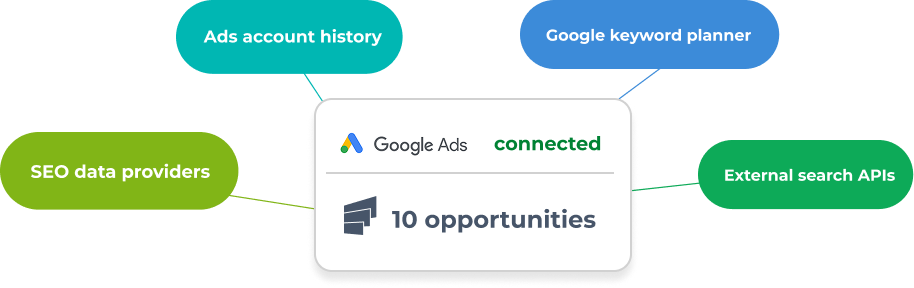
Flint reads your design system and connects to Google Ads in one OAuth flow. One setup, both products ready.
Recommend
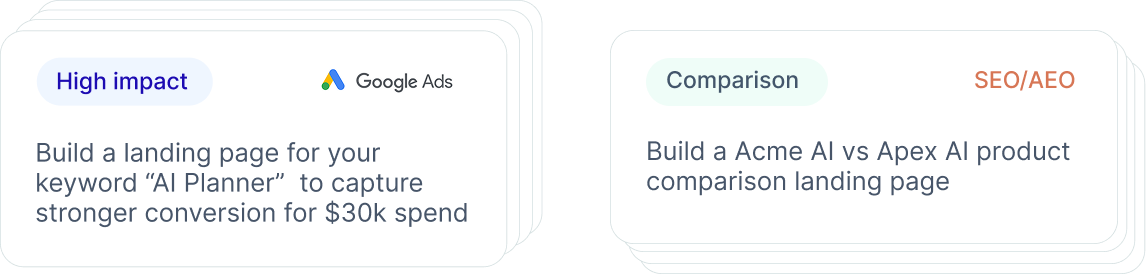
Prioritized recommendations for your ad account, and the pages you're missing.
You approve
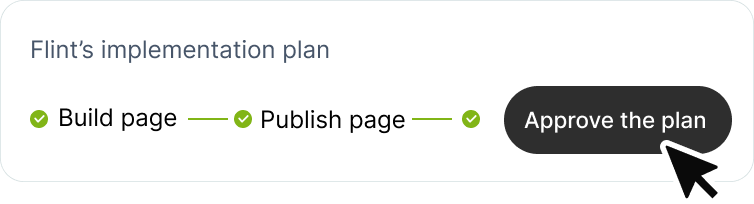
Review it. Refine it in chat. One click to approve.
Flint executes
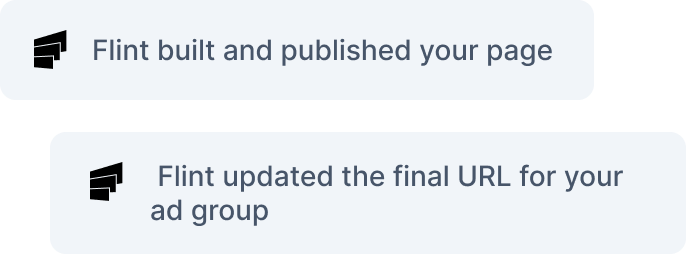
The keyword goes in, the page ships to your domain, the final URL updates in Google Ads. Nothing ships without you.
Sharpen
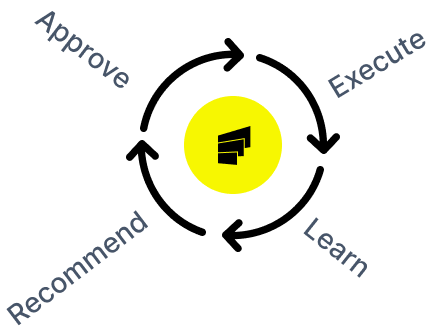
Every approved and rejected recommendation feeds Flint's memory, so the next one is grounded in what's already been tried.
Claude is the interface. Flint is the system.
ChatGPT and Claude can tell you what to do. They can't do it. There's no execution layer, no account context, no memory of what you've already tried, and no ability to ship a page to your domain.
Flint reads your account the way a senior PPC manager would. It surfaces what's costing you conversions, from negative keywords to landing pages, and makes the change when you approve.
You stay in control of every decision. Flint handles everything that never gets done.
"Flint is the first tool I've seen that keeps the marketer's judgment in the driver's seat."


How BoomPop 10x'd conversions in 14 days
BoomPop runs six figures a month in Google Ads. The Agent flagged an H1/H2 rewrite on their top-spend campaign, matched to what people were actually searching. Flint shipped the variant in under an hour. Fourteen days later it converted at 5.29%, against the original's 0.53%.
"If I'm just staring at Google campaigns, I think, where do I start? Flint gives me that starting point."
 Alex Alexin, Director of Demand Generation, BoomPop
Frequently asked questions
- Setting this up directly in Google Ads is a really big hassle involving applying for access and setting up an API key. Even if you do set it up, you run the risk of getting banned because your harness is not specific or because you are running a lot of the ads without any oversight. We have a really good relationship with Google linked to our LinkedIn post, where you are able to do it in a safe way that doesn't risk a major revenue channel for you.
- No. Every recommendation needs your approval before anything happens in your account. Approve it, Flint executes. Reject it, nothing changes.
- Yes. Flint reads your current account structure and makes recommendations within it. It doesn't restructure your campaigns without your say.
- Flint reads your design system at setup. Every generated page uses your brand. You review the page before the final URL updates in Google Ads.
- No. Flint reads your account the way a senior PPC manager would, surfaces prioritized recommendations, and executes the ones you approve. Claude and ChatGPT give you suggestions. Flint gives you the change plus the audit trail.
- Alongside them. Your agency owns the bidding, budgets, and campaign calls. What they usually can't do is ship pages on your domain, so that work stalls between check-ins. Flint fills it, all approved by you.
Scaling Spend Shouldn't Scale Your CAC
Book a demo and we'll scope a pilot on your site. Real pages, your campaigns, measurable results before any commitment.
- Start with a risk-free pilot
- A dedicated expert on your account
- Ships on your own domain
- No engineering required
See Flint on your pages
