What Flint can do
- •Read only what
FLINT_READERis granted (USAGEandSELECTonly). - •Sign in as a dedicated Snowflake service user for this site.
- •Run one statement at a time (120-second limit, 50,000-row cap).
- •Tag every query
flintin Snowflake query history.
Connect in Flint
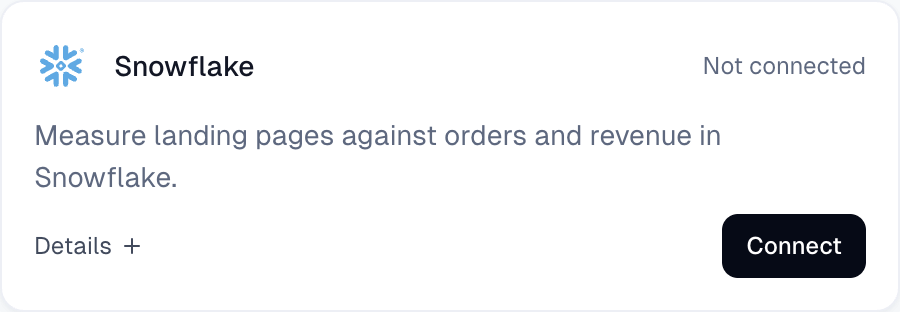
- 1.Open Integrations in the left sidebar, find Snowflake, and click Connect.
- 2.In Connect Flint to Snowflake, under Run this SQL in Snowflake, click Copy SQL. Always copy from your own Connect dialog. It fills in your site's real
FLINT_SF_...user name and GCPSUBJECT(the screenshot below shows sample values).
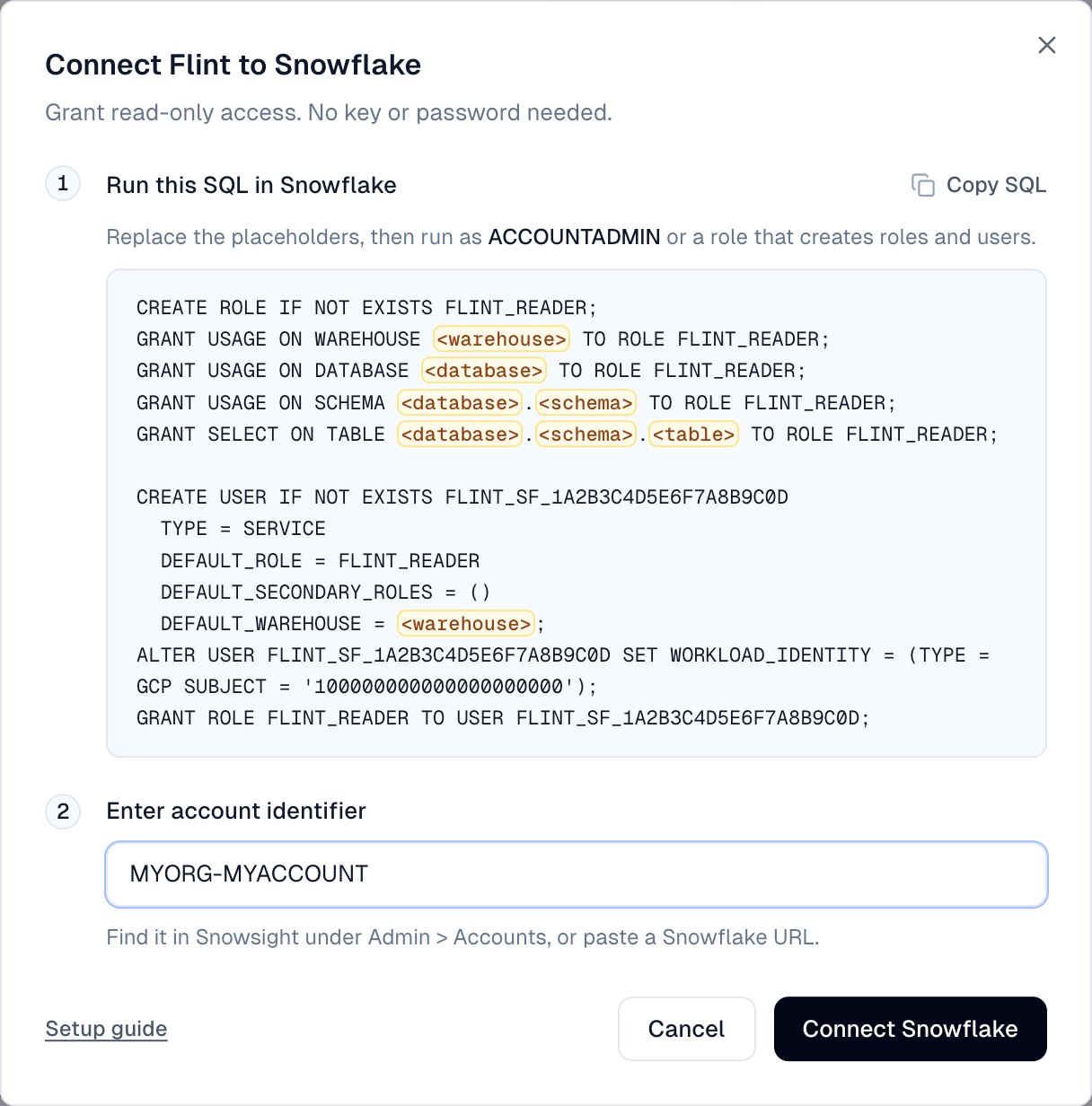
- 3.Replace
<warehouse>,<database>,<schema>, and<table>in the copied SQL, then run it asACCOUNTADMIN(or a role that creates roles and users). Repeat theSELECTline for each table (GRANT SELECT ON VIEWfor views).
Recommended (account-wide): ALTER ACCOUNT SET PREVENT_UNLOAD_TO_INLINE_URL = TRUE; stops SELECT roles from copying data to outside buckets.
- 4.Under Enter account identifier, enter your
ORG-ACCOUNTidentifier (Admin > Accounts in Snowsight) or a Snowflake URL.
- 5.Click Connect Snowflake. Flint runs
SELECT 1. Table grants are not checked here; missing grants show up on the first real question.
- 6.The card shows Connected and your account identifier.
Next, ask Flint in chat, for example: "Show revenue by landing page for the last 30 days."
Change what Flint can read
Grant or revoke on FLINT_READER in Snowflake. No reconnect needed.
Troubleshooting
- •"Snowflake has no user for Flint yet. Run the SQL above, then try again.": Run the current dialog SQL in this account (also required after a disconnect).
- •"Snowflake has no account with that identifier.": Check the identifier; private-link addresses are not supported.
- •"Flint is still finishing setup. Wait a minute and try again.": Wait a minute and click Connect Snowflake again.
- •"Could not connect. Try again.": Retry in a moment.
- •"Could not load SQL.": Close and reopen the dialog, or contact support.
- •"You must specify the warehouse to use": Set a default warehouse:
ALTER USER <FLINT_SF user> SET DEFAULT_WAREHOUSE = <warehouse>;. - •Insufficient privileges on a query: Missing
FLINT_READERgrant or misspelled name. - •"GCP Authenticator for Subject ... already exists": Another user in this account is already tied to this site. Drop or alter it, then rerun the SQL.
Disconnect
Click the gear on the card and choose Disconnect. This deletes the site's service account and ends access at once. Reconnecting creates a new one, so rerun the dialog SQL to update the Snowflake user. To remove Flint completely, DROP USER the FLINT_SF_... user (and the role if unused).